

A modern data center may contain thousands of physical IT assets distributed across:
Servers, switches, storage appliances and network equipment are also moved, upgraded, replaced and decommissioned throughout their lifecycle.
The challenge is not simply knowing how many devices the organization purchased.
Data center teams need to know:
RFID can provide a physical identification layer for these workflows.
A basic architecture looks like:
Server / IT Asset
→ RFID Tag
→ Handheld or Fixed RFID Reader
→ Middleware / Edge Processing
→ ITAM / DCIM / CMDB
RFID does not replace those enterprise systems.
Instead, it provides physical read events that can help keep digital asset records aligned with what actually exists inside the data center.
Data centers create a particularly challenging asset-management environment.
A single rack may contain:
A large facility may contain thousands of individually serialized devices.
Almost everything in a data center contains metal:
This makes RFID tag selection and RF design more demanding than tagging cardboard boxes in a warehouse.
Data center operations regularly perform:
Move
Add
Change
A device might move:
Rack A12
→ Rack B08
without the physical change immediately reaching every digital system.
Over time, this creates discrepancies between:
Physical Infrastructure
and
Digital Asset Records
Data center operations may use:
Each system manages a different part of the asset lifecycle.
RFID is most valuable when its physical identification events can be connected with these existing systems rather than creating another isolated database.
Traditional server inventory may require technicians to:
RFID can reduce the amount of line-of-sight scanning required.
RFID can be applied to many physical data center assets, but not every item needs its own RFID tag.
| Asset Type | RFID Suitability | Typical Reason |
|---|---|---|
| Rack Servers | High | High value, serialized, lifecycle managed |
| Storage Arrays | High | High value, rack-mounted |
| Network Switches | High | Frequent audit / configuration relevance |
| Routers | High | Serialized physical equipment |
| Firewalls / Appliances | High | High-value IT asset |
| PDUs | Possible | Depends on tracking granularity |
| UPS Equipment | Possible | Fixed infrastructure lifecycle |
| Spare Servers | High | Inventory and deployment tracking |
| Service Laptops | High | Mobile IT assets |
| Tool Carts | High | Mobile support equipment |
| Spare Drives | Depends | Size and value |
| Transceivers / Optics | Depends | Very small form factor |
| Individual Cables | Usually selective | May not justify item-level tagging |
The correct tagging level should be driven by:
Tagging every physical object does not automatically produce better asset management.
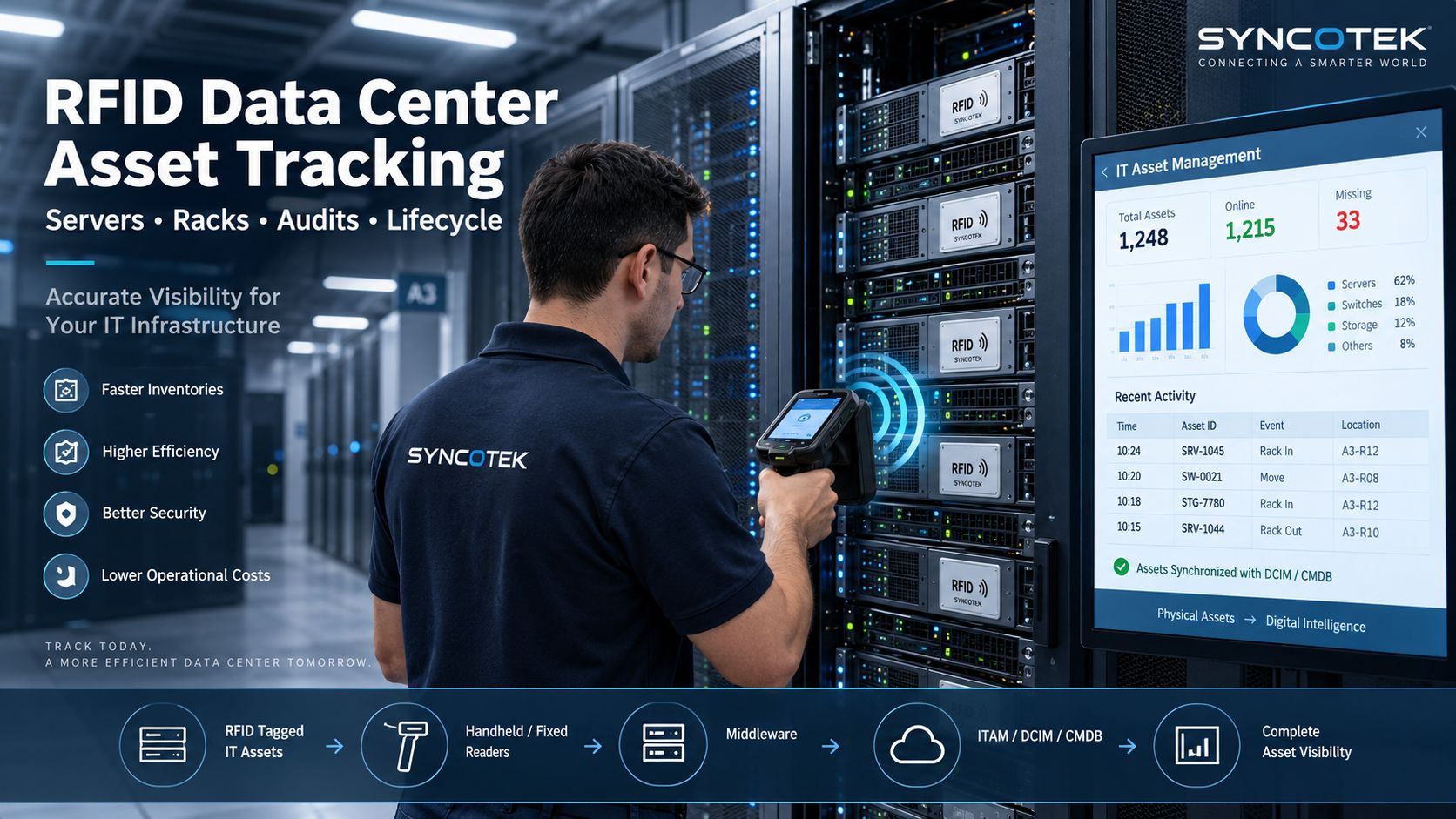
A data center RFID system normally contains five layers.
The asset might be:
The asset receives a unique RFID identity.
Because server and network equipment contains metal, a standard general-purpose UHF label may not be suitable.
On-metal RFID labels or tags are often the better starting point.
Depending on the workflow, the reader can be:
Middleware converts reader observations into useful events.
For example:
Raw EPC:
E280...
becomes:
Server SRV-1045 detected in Rack A12.
The event can update or validate systems such as:
The backend record may contain:
The RFID tag does not need to store all of this information.
A unique EPC can simply act as the key to the asset record.
Barcodes remain useful in data centers.
RFID should not automatically be positioned as a complete barcode replacement.
Current commercial data-center asset-management platforms often combine RFID and barcode rather than forcing organizations to choose only one identification technology.
| Factor | Barcode | Passive UHF RFID |
|---|---|---|
| Identification | Optical | Radio frequency |
| Line of sight | Required | Usually not required |
| Assets per read | Normally one | Multiple possible |
| Hardware cost | Lower | Higher |
| Manual interaction | Higher | Can be reduced |
| Rack audit | Item-by-item | Bulk inventory possible |
| Printed information | Native | Can coexist with printed label |
| Automatic checkpoints | Limited | Strong |
| Metal environment | Label still readable visually | Requires RF-appropriate tag |
In many data centers, the best architecture can use both.
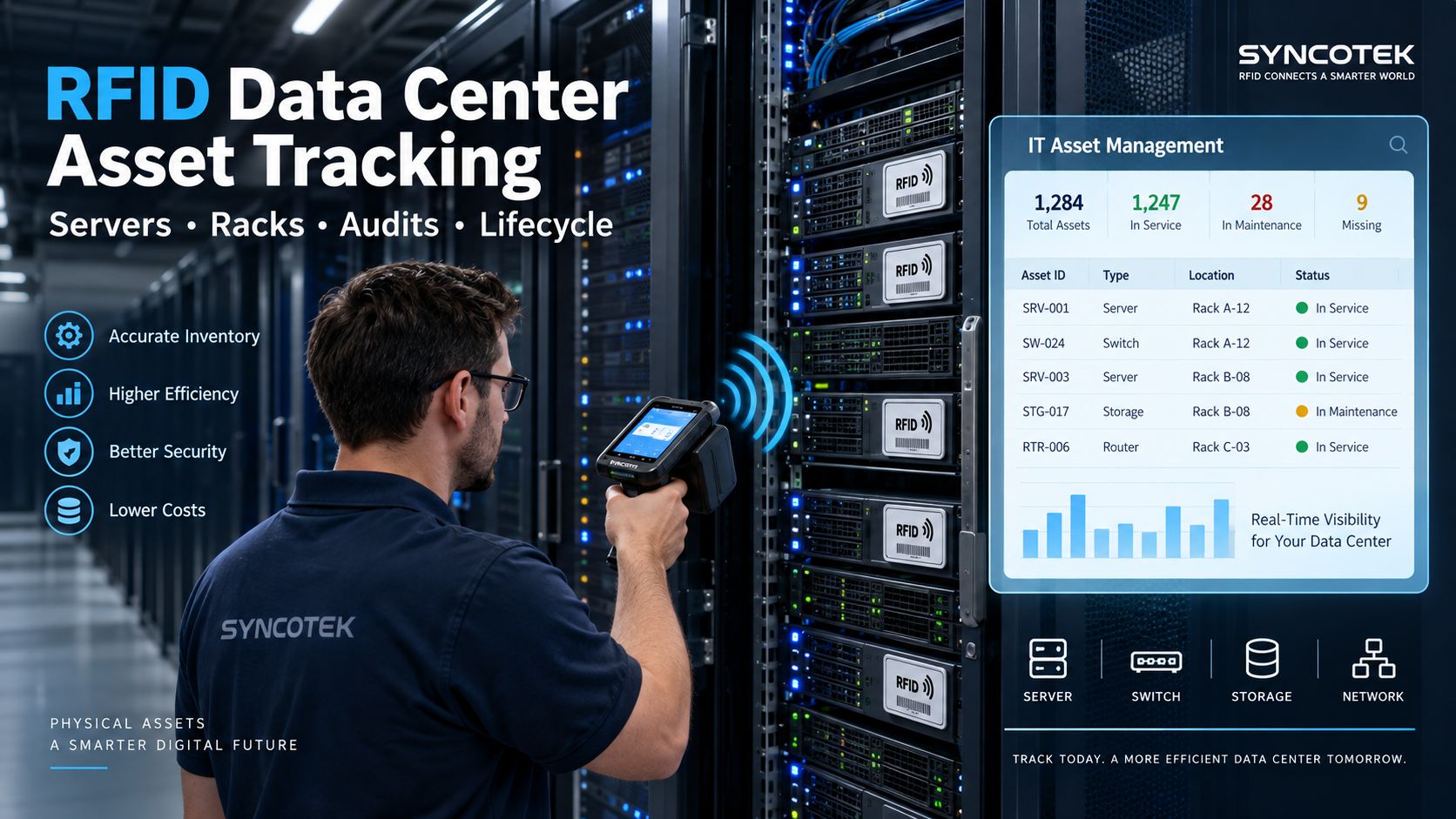
A handheld UHF RFID reader is one of the easiest ways to introduce RFID into a data center.
It does not require installing a fixed reader in every rack.
A typical workflow is:
Select Room / Rack
↓
Walk with RFID Handheld
↓
Read Tagged IT Assets
↓
Compare Expected vs Found
↓
Generate Exceptions
The software may classify assets as:
Traditional barcode audits require technicians to locate and scan labels individually.
With RFID, a technician can scan a rack or controlled area without visually presenting every tag to the reader.
That can reduce repetitive manual identification, particularly when:
Commercial data-center RFID systems currently use handheld readers specifically for rapid rack and facility audits alongside fixed RFID infrastructure.
One distinction is important.
A handheld audit tells you:
What assets were detected when the technician performed the audit?
It does not continuously monitor rack occupancy while the handheld is not present.
For continuous visibility, additional fixed infrastructure is required.
Servers and IT equipment create one of the most challenging common UHF RFID tagging environments.
Most devices contain:
An ordinary UHF label placed directly on metal may become severely detuned.
Possible symptoms include:
For servers, switches and metal IT equipment, the starting point is usually:
On-Metal RFID Tag
or
Printable On-Metal RFID Label
The exact choice depends on:
See Mount-on-Metal RFID Tags for a detailed explanation.
For the broader selection process, see How to Choose the Right RFID Tag.
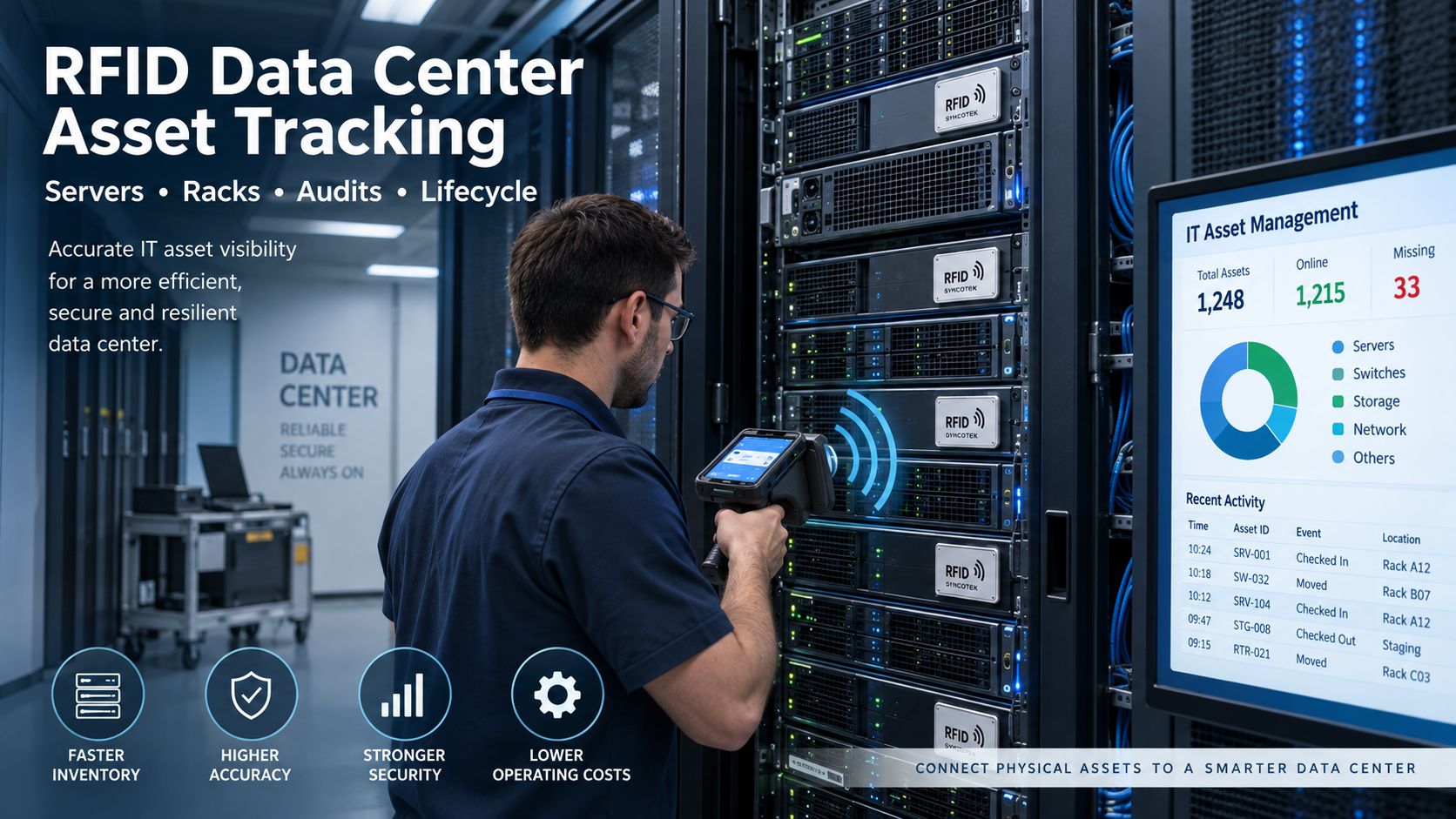
RFID tag placement should be tested on the actual server model.
Do not assume one position works for every chassis.
Potential positions include:
Advantages:
But the bezel design may vary substantially between server models.
If the server manufacturer provides a suitable asset-label region, this can be a practical location.
Rear mounting can work in some configurations but must consider:
Side placement may be useful before installation, but after the server enters the rack the tag could become:
Test:
The best location is the one that provides reliable operational reading without interfering with normal equipment use.
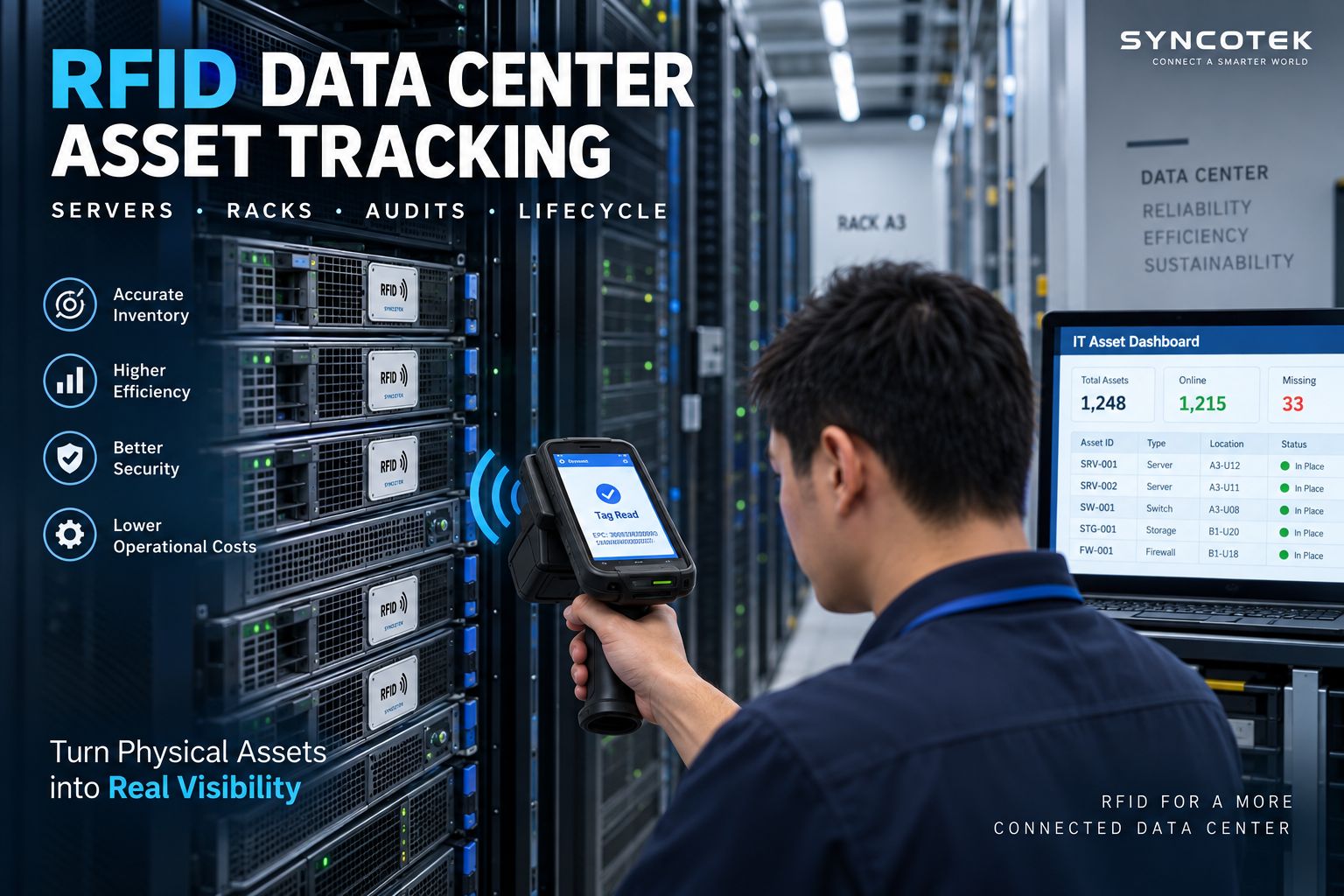
RFID becomes more valuable when it follows the asset throughout its lifecycle rather than being used only for annual inventory.
A typical data center lifecycle is:
Receive
→ Tag
→ Stage
→ Deploy
→ Rack
→ Move / Add / Change
→ Maintain
→ Decommission
→ Dispose / Return
The same asset identity can remain associated with the equipment throughout these stages.
When new equipment arrives, the organization can create or verify the asset record.
Possible data includes:
The selected RFID tag is encoded or registered and attached to the device.
The system creates the relationship:
RFID EPC
↔
Asset ID
Before deployment, equipment may remain in:
RFID can support inventory visibility before the asset reaches the rack.
Once deployed, the asset record is updated with:
Data center environments change constantly.
When a device moves:
Rack A12
→
Rack B08
the digital systems should reflect that change.
RFID events can help identify physical moves and support reconciliation with ITAM, DCIM or CMDB workflows.
The RFID identity can help technicians quickly retrieve the correct asset record.
Possible associated information includes:
When hardware reaches end of life, the asset moves through controlled processes such as:
RFID can support physical chain-of-custody events during those processes.
It does not perform data sanitization itself.
Move/Add/Change activity is one of the main reasons physical and digital asset records become inconsistent.
Consider:
Server SRV-105
Digital record:
Rack A12
Physical reality:
Rack C04
This creates problems for:
RFID can provide a stronger physical evidence layer.
For example:
Asset Detected at Cage Door
↓
Movement Event Created
↓
Asset Record Checked
↓
Expected / Unexpected Movement
The RFID system should support the existing operational process rather than allowing uncontrolled physical movement to update critical systems automatically without business logic.
Handheld RFID is ideal for audits.
Fixed readers are useful when selected movements should be detected automatically.
Possible locations include:
A fixed-reader workflow may look like:
Tagged Server Approaches Door
↓
Sensor / Read Zone Activated
↓
Fixed Reader Detects EPC
↓
Middleware Applies Context
↓
ITAM / Asset System Receives Event
Impinj documents enterprise deployments where RAIN RFID readers are installed at office doorways, data centers, loading docks, entrances and exits to automatically detect tagged IT assets as they pass.
RFID can support security workflows, but it should not be described as a complete theft-prevention system.
A typical rule might be:
Asset Scheduled for Movement?
Yes
→ Record event
No
→ Alert
The full security architecture may still include:
RFID provides the physical asset identity.
Security software determines what the event means.
The term real-time RFID tracking can describe very different architectures.
That distinction is important.
The reader exists only when a technician performs an audit.
It answers:
Which assets are present right now during this scan?
This is:
On-Demand Inventory
not continuous real-time tracking.
Readers are installed at:
The system can answer:
When was this asset last detected at this checkpoint?
This provides:
Movement / Last-Seen Visibility
Specialized antennas and RFID infrastructure can be installed around or inside racks.
The system continuously detects tagged servers and equipment.
This can provide:
Continuous Rack-Level Presence
Current commercial systems use passive RAIN RFID tags with reader infrastructure inside racks to continuously determine which servers, switches and appliances are present in each rack.
That is legitimately close to real-time rack-level visibility.
However, it does not automatically mean precise XYZ coordinates throughout the facility.
If the requirement is:
Where exactly is this moving asset right now?
a dedicated real-time location architecture may be more appropriate.
Technologies may include:
For more detail, see What Is RTLS?.
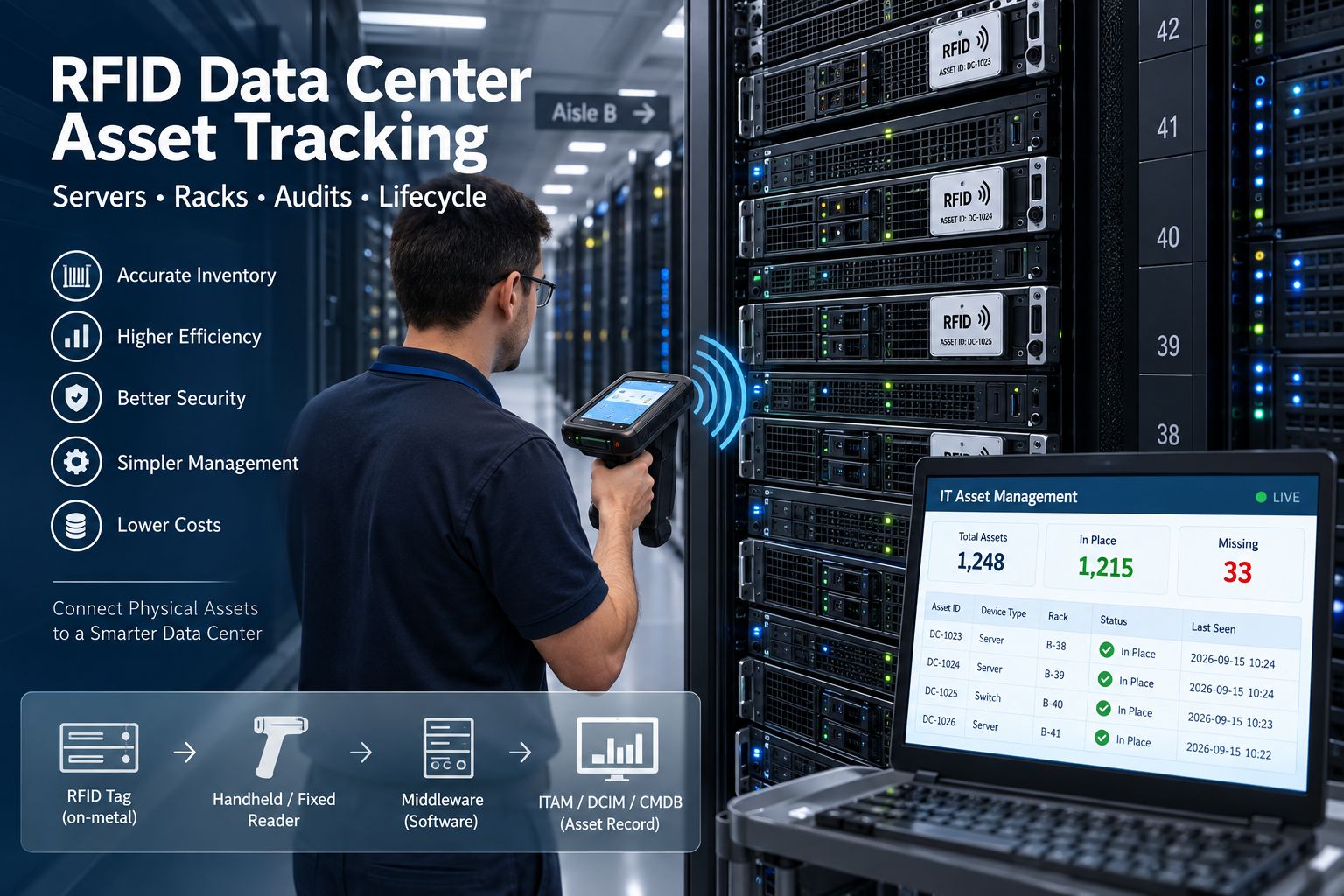
A practical data center design can therefore start from three passive RFID architectures.
| Architecture | Visibility | Infrastructure | Best Use |
|---|---|---|---|
| Handheld Inventory | On-demand | Low | Rack audits |
| Fixed Checkpoint | Movement / last seen | Medium | Door / cage events |
| Rack-Level RFID | Continuous rack presence | High | High-density ITAM |
Architecture:
On-Metal Tag
→ Handheld Reader
→ ITAM
Best for:
Architecture:
On-Metal Tag
→ Doorway Antennas
→ Fixed Reader
→ Middleware
→ ITAM
Best for:
Architecture:
On-Metal Tag
→ Rack-Level Antennas / Reader
→ Edge Processing
→ Asset Platform
Best for organizations that require an always-current view of which equipment occupies each rack.
Current rack-level commercial RFID systems specifically use passive RFID to maintain this type of continuously updated physical rack inventory.
This requires care.
A passive RFID tag does not inherently know:
I am installed at Rack A12, U24.
That information must come from system architecture.
Possible approaches include:
A general handheld scan can usually confirm:
Asset detected in this rack area.
It does not automatically guarantee an exact U position.
Do not design the business requirement around U-level precision unless the selected hardware and rack architecture have been specifically validated for it.
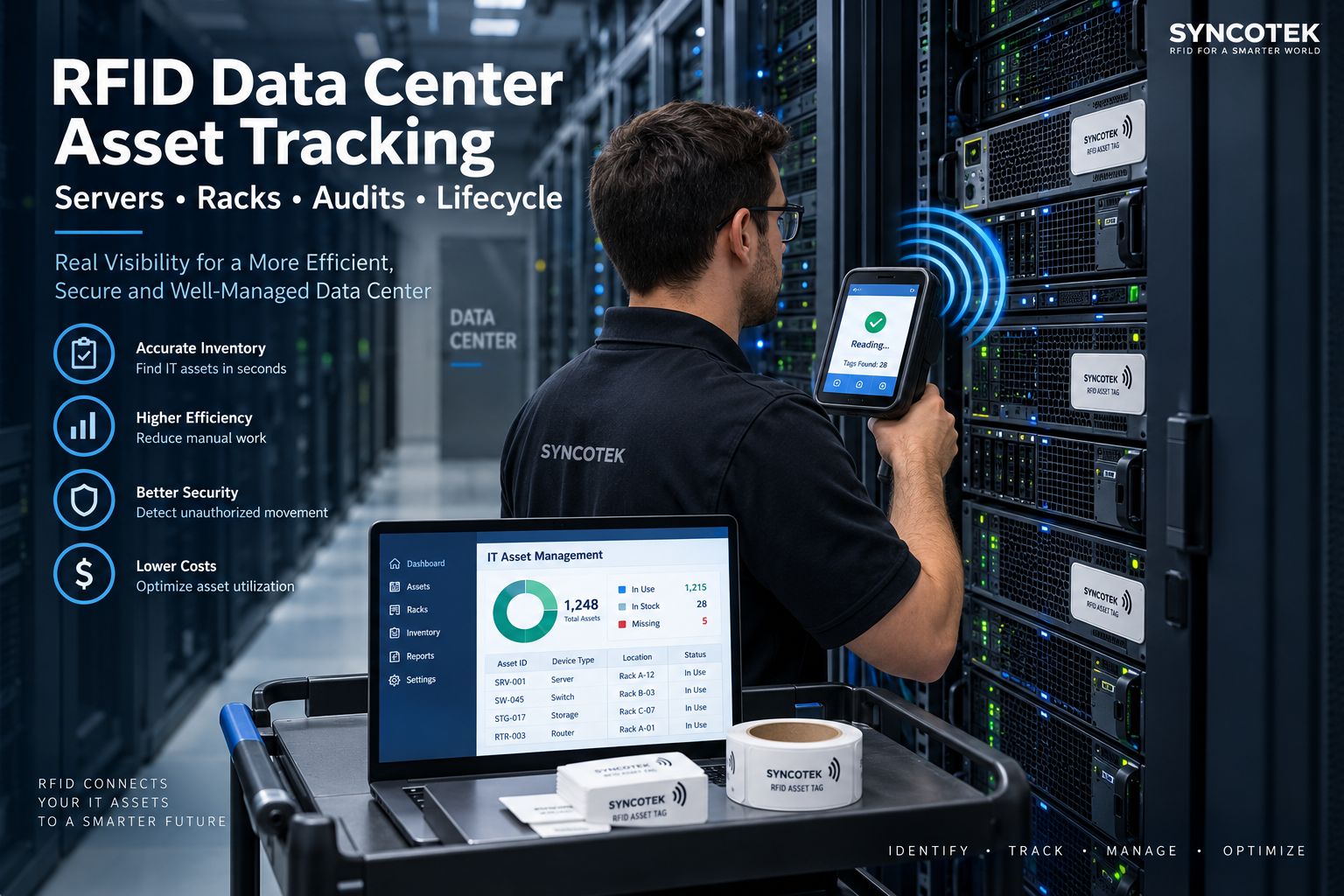
RFID should not attempt to replace all data center software.
Each platform has a different job.
Answers:
Which physical asset was detected?
and:
Where / when was it detected?
IT Asset Management typically focuses on:
Data Center Infrastructure Management may manage:
A Configuration Management Database manages:
A useful architecture is:
RFID Physical Event
↓
Asset Identity
↓
ITAM / DCIM / CMDB
This allows physical observations to validate or update the appropriate enterprise workflow.
Commercial data center RFID solutions currently integrate physical RFID inventory with DCIM, CMDB and ticketing/IT asset systems rather than positioning RFID as a replacement for them.
RFID should not be confused with server-performance monitoring.
A normal passive RFID asset tag does not automatically report:
Those data normally come from systems such as:
RFID answers a different question:
Which physical asset is this, and where or when was it identified?
That distinction is fundamental.
Some RFID products can include sensing capabilities.
For example:
But:
Standard passive inventory RFID tag ≠ environmental sensor tag
If temperature or humidity monitoring is required, select a device specifically designed to measure those parameters.
Do not assume a standard EPC inventory tag can provide environmental telemetry.
Decommissioning is an important but often overlooked data center asset workflow.
A server may move through:
Rack Removal
→ Decommission Staging
→ Data Sanitization
→ Secure Storage
→ Return / Resale / Destruction
RFID can provide physical identification at each stage.
For example:
Server SRV-205
removed from Rack B08
↓
detected at Decommission Room
↓
checked into Sanitization
↓
released for disposal
This can improve physical chain-of-custody records.
However, RFID does not itself:
Those steps remain separate controlled processes.
Data centers are demanding RF environments.
Metal can:
Require appropriate tag designs.
One rack may contain dozens of tags at different orientations.
Metal or mesh doors can affect reading.
Rear cabling can change RF geometry and make some tag locations difficult to access.
An RFID system intended for Rack A should not accidentally assign tags in Rack B.
Rack-level or fixed-reader infrastructure may create overlapping RF zones if not carefully tuned.
For a detailed troubleshooting methodology, see RFID Interference and Read Problems.
Use an appropriate on-metal tag.
Select infrastructure according to the required visibility level.
First define:
Test real rack conditions before standardizing placement.
More power can create:
Hybrid identification can be valuable for:
RFID data should feed the system responsible for the business process.
RFID says the physical server was detected.
It does not say whether the server is healthy.
Asset tracking should continue until the equipment actually leaves organizational custody.
Data center RF environments vary considerably.
Validate first.
A pilot should be limited enough to diagnose problems but realistic enough to represent production.
A good starting scope might be:
Include several realistic devices:
Compare candidate tags for:
Choose a repeatable installation location.
Measure:
If the business case requires:
then introduce the corresponding fixed reader architecture.
Run tests with racks populated realistically.
Confirm EPC mapping to:
Compare the pilot with the current process.
Do not use generic ROI percentages.
Calculate your own operational value.
A practical model is:
Audit Labor Savings
Reduced Asset Search Time
Fewer Ghost Assets
Reduced Duplicate Purchases
Better Maintenance / Contract Reconciliation
Faster Move / Add / Change Processing
minus
Tags + Readers + Installation + Software Integration
Measure:
Poor asset data can result in systems remaining:
after they have already moved or been decommissioned.
An organization may purchase replacement equipment because the existing asset cannot be located.
More reliable physical asset data can reduce manual reconciliation after infrastructure changes.
Current data center RFID platforms emphasize faster audits, reduced ghost assets, more reliable lifecycle data and better physical asset records as key business outcomes.
Before deployment, confirm:
RFID data center asset tracking uses electronic RFID tags and readers to identify servers, switches, storage devices and other physical IT assets and connect those observations with digital asset records.
Yes. Servers can be tagged with appropriately selected RFID tags and identified with handheld, fixed or rack-level reader infrastructure.
Because server chassis are metal, an on-metal UHF RFID tag or printable on-metal RFID label is usually a better starting point than a standard general-purpose UHF label.
Metal can detune conventional UHF RFID antennas. On-metal tags are designed to operate when mounted on conductive surfaces.
RF performance depends on rack construction, doors, server placement, antenna configuration and tag location. Do not assume universal performance; test the actual rack environment.
Yes, but it depends on the infrastructure. Handheld RFID provides on-demand inventory. Fixed readers provide checkpoint visibility. Specialized rack-level passive RFID systems can provide continuous rack presence.
No. Passive RFID is excellent for identification, inventory, checkpoint and rack-level presence. Precise continuous coordinates may require a dedicated RTLS technology.
Barcode is lower cost and useful for deliberate individual scans. RFID is stronger for rapid non-line-of-sight inventory and automated read points. Many systems can use both.
Yes, when the reader architecture is designed for rack-level identification or when handheld audits associate reads with a known rack.
Not with every RFID system. Exact U-level identification requires suitable rack-level sensing, tightly controlled zones or another reliable mapping method.
Yes. RFID physical asset events can be passed to or reconciled with DCIM systems through suitable middleware and software integration.
Yes. The RFID asset identity can be mapped to the corresponding configuration item, but CMDB relationships and service context remain managed by the CMDB.
Yes. RFID is particularly useful as a physical identification layer feeding lifecycle, ownership, audit and location data into ITAM.
A normal RFID inventory tag does not automatically measure temperature. A specialized RFID sensor or separate environmental monitoring system is required.
No. CPU, storage, network and system-health information comes from server management and monitoring platforms, not ordinary RFID asset tags.
RFID checkpoints can detect tagged equipment movement and software can compare that event against authorized workflows to generate alerts.
A handheld UHF RFID reader is often the easiest starting point for rack audits. Fixed readers are more appropriate when automatic checkpoints or continuous infrastructure are required.
Begin with a representative group of racks, test on-metal RFID tags on actual server models, define standard tag placement, perform handheld audits and measure inventory performance before adding more fixed infrastructure.
Yes. Metal affects both tags and RF propagation, which is why data center RFID deployments require appropriate on-metal tags and real rack testing.
Rack-level RFID tracking uses reader infrastructure associated with individual racks or tightly controlled rack zones to continuously determine which tagged devices are present in each rack.
Compare RFID project costs against measurable benefits such as reduced rack-audit labor, shorter asset searches, fewer ghost assets, reduced duplicate purchases and faster Move/Add/Change reconciliation.
Syncotek provides passive UHF RFID hardware for data center asset-management solution providers, ITAM integrators, software companies and OEM system developers.
Our RFID portfolio includes:
A typical data center project may begin with:
On-Metal Server Tags
Handheld RFID Reader
for rapid rack audits.
More advanced deployments can add:
Fixed Readers
Antennas
for controlled movement points.
OEM and rack-level systems may use:
UHF RFID Modules
Custom Antenna Architecture
inside cabinets or rack infrastructure.
Syncotek focuses on the physical RFID identification and data-capture layer.
The customer's ITAM, DCIM, CMDB or custom software remains responsible for asset lifecycle, infrastructure management and configuration relationships.
For a data center RFID pilot, send us:
We can then narrow suitable tag and reader architectures for sample validation.
Continue with:
How to Choose a UHF RFID Fixed Reader
RFID Interference Troubleshooting
or explore the complete Syncotek RFID Product Portfolio.
The goal of data center RFID is not simply to put a tag on every server.
It is to create a reliable physical identity layer that keeps the real data center and the digital asset record aligned throughout the entire equipment lifecycle.
 Case Show
The RFID system auto-identifies vehicles' weight, calculates net weight, and provides real-time monitoring for optimized efficiency.
READ MORE Knowledge
Conferences, exhibitions, trade shows, corporate events, training programs, and large public venues all need accurate attendee data. Event organizers want to know who arrived, where attendees went, which sessions attracted the most visitors, how long people stayed in certain areas, and whether sponsors or exhibitors received meaningful engagement. Traditional event attendance tracking often relies on […]
READ MORE Knowledge
A modern data center may contain thousands of physical IT assets distributed across: rooms cages rows racks storage areas staging zones repair areas multiple facilities Servers, switches, storage appliances and network equipment are also moved, upgraded, replaced and decommissioned throughout their lifecycle. The challenge is not simply knowing how many devices the organization purchased. Data […]
READ MORE Knowledge
Hospitals manage thousands of physical items every day. Infusion pumps move between departments. Surgical supplies enter and leave operating rooms. Medical consumables are stored across multiple locations. Staff search for wheelchairs, monitors, portable diagnostic equipment, linen, medications, and other resources while maintaining strict operational and documentation requirements. Many of these workflows still depend on: manual […]
READ MORE Knowledge
Active RFID is a type of radio frequency identification technology that uses battery-powered tags to transmit data to RFID readers. Because the tag has its own power source, it can send signals over a much longer distance than a passive RFID tag, which relies on the reader’s signal for energy. That is why Active RFID is commonly […]
READ MOREIf you are interested in our services or need customized solutions, please feel free to contact us.