
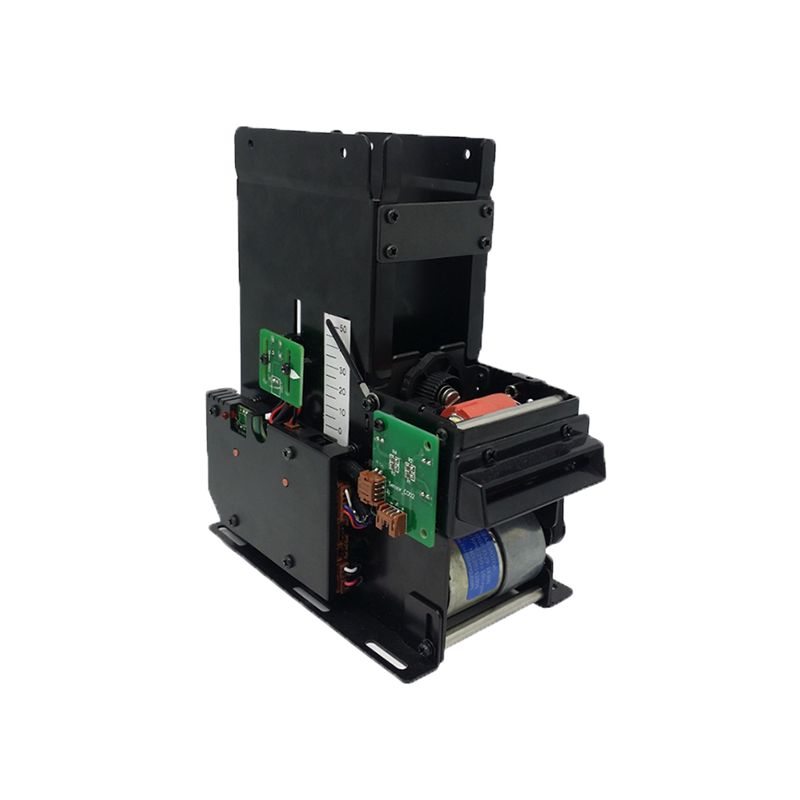
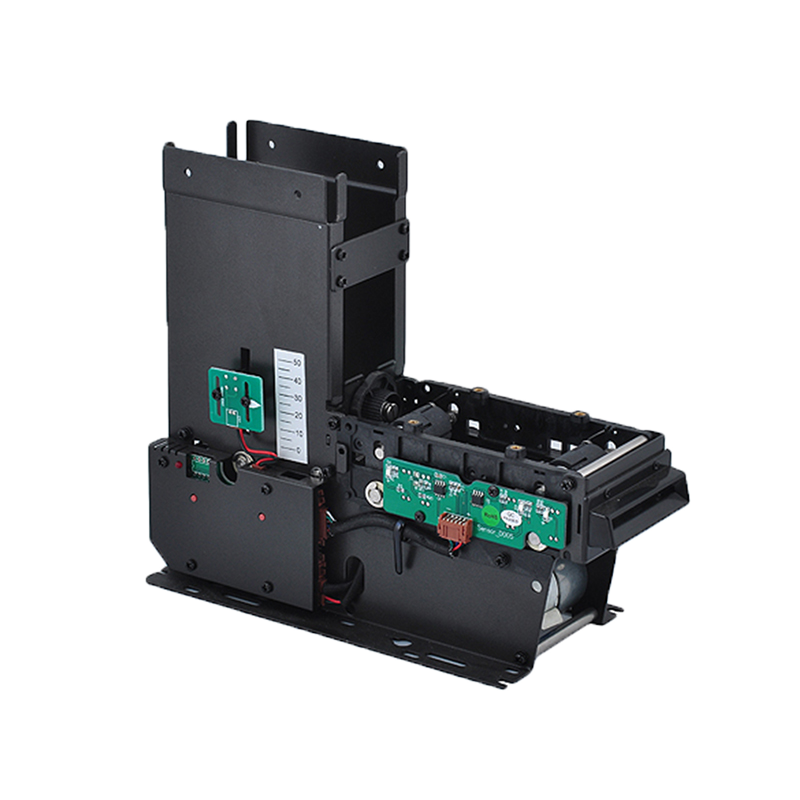

Large events require thousands of physical interactions to happen accurately and quickly.
Attendees must receive valid credentials, enter through the correct gates, access the areas included in their ticket, attend sessions, purchase food or merchandise, interact with sponsors, and leave the venue safely.
At the same time, organizers need visibility into:
Traditional paper tickets, visual badge checks, manual counting, and isolated payment systems can make these processes slow and difficult to coordinate.
RFID event management connects event credentials, readers, software, access rules, payment systems, and analytics through a common identification platform.
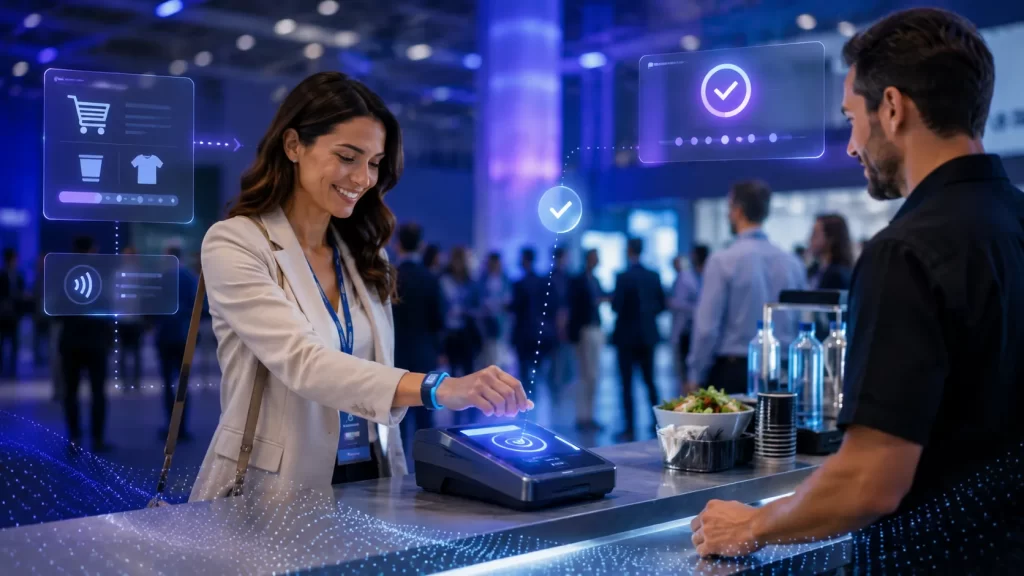
An RFID wristband, badge, card, lanyard, or ticket can serve as a unique event credential. When it is presented to a reader or detected within a controlled RFID zone, the system can validate access, record attendance, authorize a transaction, update permissions, or generate operational data.
RFID credentials are commonly used for event access in the form of wristbands, cards, lanyards, and paper tickets. Depending on the system design, RFID can support fast admission, restricted-area access, ticket upgrades, payments, and management reporting.
RFID event management is the use of radio frequency identification technology to manage people, credentials, transactions, equipment, and operational activities before, during, and after an event.
A typical RFID event management solution may include:
The credential contains a unique electronic identifier. The event platform connects that identifier with the attendee, staff member, ticket level, access permissions, payment account, or exhibitor profile.
The RFID credential normally does not need to store every piece of attendee information directly. In many systems, it stores or presents a secure identifier that allows the software to retrieve the appropriate record.
A basic RFID event workflow includes several stages.
The attendee purchases a ticket or registers for the event.
The event database may record:
An RFID credential is assigned before the event or during onsite check-in.
Common credential formats include:
The unique credential ID is linked to the attendee record.
For more information about different RFID constructions, see Syncotek’s guide to RFID inlays, tags, and labels.
When the attendee arrives, the credential is presented to an RFID reader or passes through a controlled reading point.
The system checks:
The system responds according to the attendee’s permission.
It may:
The same credential may be used throughout the venue for:
RFID activity is sent to the event platform, where it can support:
The value of RFID comes from connecting these physical events with useful operational decisions.
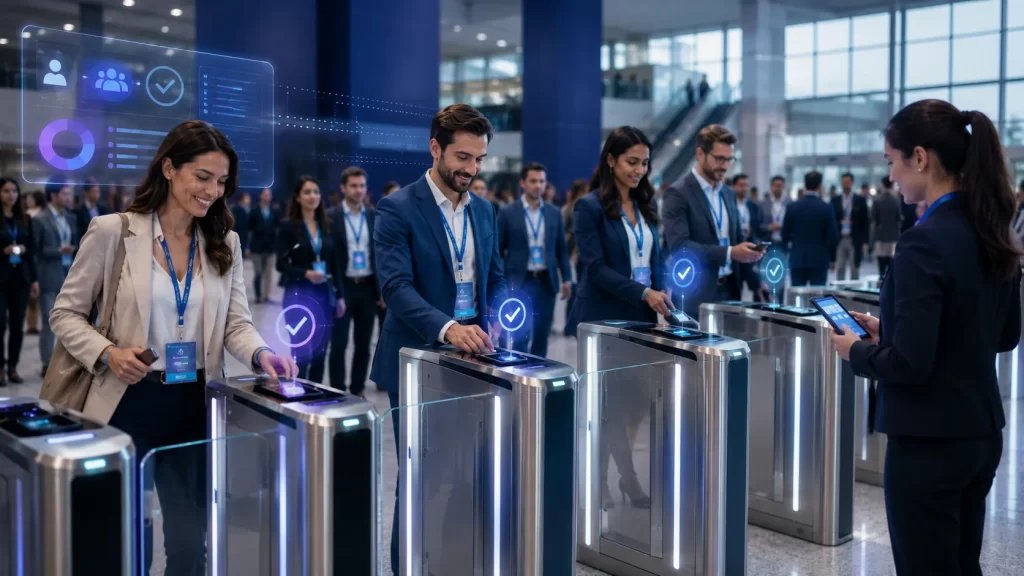
RFID can help reduce the time required to validate attendees at entrances.
Instead of searching for a printed ticket or presenting a damaged barcode, the attendee can tap an RFID credential or place it near a reader.
A well-designed system can support:
RFID, NFC, and QR readers can be integrated into ticket gates, turnstiles, mobile pedestals, or handheld terminals for sports and event access.
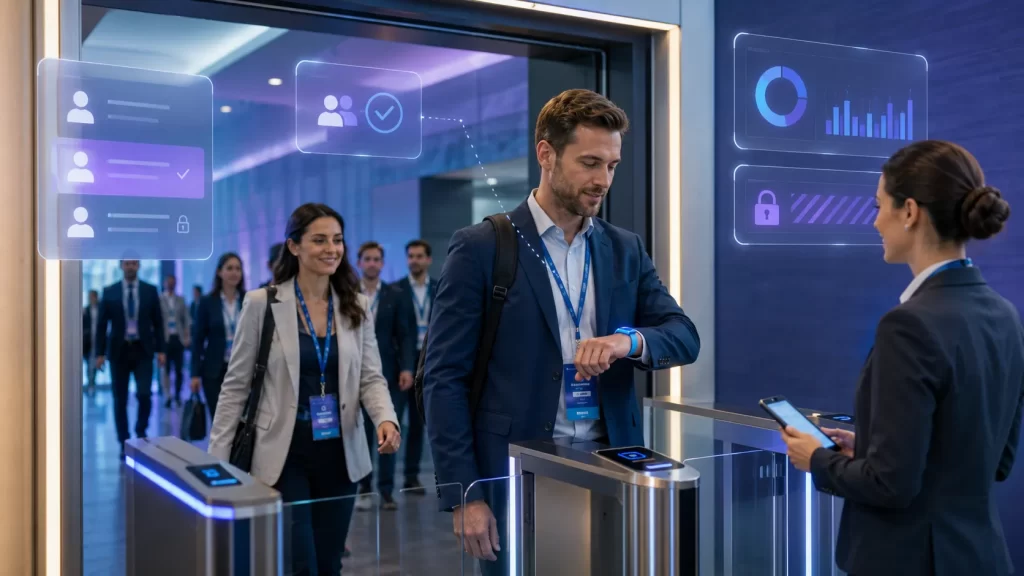
An RFID-enabled ticket can be produced as a wristband, badge, card, paper ticket, or mobile credential.
The electronic credential can support:
RFID ticketing is especially useful when the same credential must support several functions after admission.
Not every attendee should be allowed into every part of the venue.
RFID event access control can manage:
Permissions can be assigned according to ticket type, role, time, location, or special authorization.
The system can update access rights without replacing the physical credential. For example, an attendee may upgrade from general admission to a VIP package, and the platform can add the new permission to the account associated with the wristband.

Festivals, conferences, exhibitions, amusement parks, and sports tournaments may run across several days and locations.
RFID can help manage:
The same credential can remain active for the full event while the software applies different rules at each checkpoint.
RFID wristbands or cards can support closed-loop payment at suitable events.
An attendee may use the credential to purchase:
The system can associate the wristband with a stored balance, payment account, prepaid package, or transaction profile.
Contactless event systems may combine ticketing, access management, and payment-related functions within one credential platform. Secure multi-application contactless technologies can support event ticketing, access control, and closed-loop payments when implemented with appropriate backend and security controls.
Potential benefits include:
Payment infrastructure must still comply with applicable financial, privacy, and security requirements.

Business conferences and training events often need to know which attendees entered a particular room or completed a required session.
RFID can support attendance records for:
The system can record:
For a detailed discussion of attendee movement and session analytics, see Syncotek’s guide to RFID attendee tracking.
At exhibitions and trade shows, RFID badges can help exhibitors capture attendee information.
An attendee may tap a badge at a booth or allow an exhibitor to scan it using a handheld terminal.
The lead record may contain:
RFID lead retrieval reduces dependence on paper forms and business-card collection.
The system should only provide data that attendees have agreed to share and that the exhibitor is authorized to receive.
RFID can support interactive event experiences such as:
The credential can connect a physical interaction with the attendee’s event profile.
This can help sponsors measure:
RFID read points can help organizers understand how attendees move through the venue.
Depending on the technology and infrastructure, the system may show:
This information can support decisions involving:
RFID-based event systems have been used to provide organizers with real-time information about access points and attendee entry activity, helping identify gates that may require additional crowd-control attention.
RFID credentials are not limited to attendees.
They can also identify:
Staff credentials can include permissions based on role and shift.
For example:
The system can deactivate a credential immediately if it is lost or if the worker’s authorization ends.
Events use significant quantities of reusable equipment, including:
RFID can help manage:
This operational asset tracking is separate from attendee credentials but can use the same general RFID infrastructure and software architecture.
RFID wristbands are widely used for festivals, concerts, sports events, entertainment venues, and multi-day experiences.
RFID badges are suitable for conferences, exhibitions, corporate events, and professional meetings.
They can display:
The RFID inlay inside the badge can support electronic access and tracking.
RFID cards are durable and suitable for:
Cards may be returned and reused if the operational model supports credential collection and reissuance.
RFID inlays can be embedded in printed tickets.
This format may be appropriate for:
RFID inlays have been incorporated into event tickets as part of layered security and access-control systems.
A smartphone can act as an event credential when the platform, device, reader, and security architecture support NFC.
Mobile credentials can reduce the need to issue a separate physical card, but the event must plan for:
The correct RFID frequency depends on the required interaction.
HF RFID and NFC are commonly selected for controlled tap-based interactions.
Typical applications include:
The short reading distance helps ensure that the attendee intentionally presents one credential to one reader.
This is useful for access control because a very long read range could cause the system to detect nearby credentials unintentionally.
UHF RFID provides a longer potential read range and can support passive identification without requiring every attendee to tap a reader.
Typical event applications include:
UHF can support data such as when an attendee entered a room, which zones were visited, or when the credential left the event area.
| Factor | HF/NFC | UHF RFID |
|---|---|---|
| Typical interaction | Tap or close presentation | Longer-range detection |
| Read-zone control | Very precise | Requires careful antenna design |
| Best use | Ticketing, payments, controlled access | Tracking, portals, zones, equipment |
| Multiple tag reading | Limited by application design | Strong bulk-reading capability |
| Credential intent | Clear intentional tap | May be detected automatically |
| Privacy considerations | Easier to limit to deliberate interaction | Requires transparent tracking policies |
| Common format | Card, wristband, phone, ticket | Badge, inlay, tag, wristband |
Some event systems use both technologies.
For example:
QR codes remain useful for many event applications.
| Factor | QR Code | RFID |
|---|---|---|
| Reading method | Camera or optical scanner | Radio frequency |
| Line of sight | Required | Not always required |
| Credential cost | Lower | Higher |
| Smartphone delivery | Easy | Depends on NFC/mobile setup |
| Bulk or hands-free reading | Limited | Supported with suitable UHF design |
| Repeated access | Requires visible presentation | Tap or automated detection |
| Cashless integration | Possible through software | Strong closed-loop credential option |
| Attendee analytics | Mainly checkpoint-based | Checkpoint or zone-based |
| Equipment tracking | Limited | Stronger RFID use case |
QR codes may be sufficient for:
RFID becomes more attractive when the event requires:
A hybrid solution may accept RFID, NFC, QR, and mobile tickets through the same gate or reader platform.
The credential must match:
Event systems may use:
For credential encoding or updates, an RFID reader and writer can be used when compatible with the selected credential technology.
UHF systems require antennas that create controlled reading zones.
Antenna selection should consider:
Syncotek’s guide on how to select the right RFID antenna explains gain, polarization, beamwidth, and installation considerations.
RFID printers can print and encode badges, labels, or compatible event credentials.
They may print:
At the same time, the printer can encode an electronic identifier into the RFID inlay.
See Syncotek’s RFID printers guide for printer, media, ribbon, inlay-position, and calibration considerations.
RFID event systems may require:
A temporary venue may not have the same network reliability as a permanent stadium or convention center.
The system should continue handling essential access functions when external connectivity becomes unstable.
The software connects credential activity with event operations.
It may support:
A dashboard may show:
RFID does not automatically eliminate ticket fraud.
Security depends on the complete credential and backend design.
A basic RFID serial number can potentially be copied if the system relies only on an unprotected identifier. Stronger event systems may use:
Secure contactless chip families are available for ticketing, access control, identity, and closed-loop payment applications, including products with AES-based authentication and certified security features.
An event may need to prevent one valid credential from being used by several people.
Possible controls include:
RFID event systems can collect personal and behavioral data.
Organizers should define:
Tracking should be limited to the operational and commercial purposes communicated to the attendee.
Identify the main reasons for using RFID.
Possible goals include:
Do not install every RFID feature simply because it is technically possible.
Document the complete experience:
Identify where RFID creates useful value.
Evaluate:
Consider:
Use the actual workflow to choose the technology.
Select HF/NFC when controlled tap-based interaction is required.
Select UHF when longer-range detection, zone tracking, or bulk asset identification is required.
Use a hybrid design when the event needs both.
For each gate, define:
Create clear rules for:
The RFID system may need integration with:
Test with:
Staff should know how to manage:
After the event, evaluate:
A tap-based payment or ticketing workflow may be better suited to HF/NFC, while room-level tracking may require UHF or another location technology.
A long read range may cause the system to detect attendees who have not intentionally entered a gate or session.
Ticket security should include backend validation, access rules, duplicate-use detection, and suitable secure credentials.
Internet or cloud connectivity may fail during a live event. Essential access functions need a documented backup process.
Not every credential will work perfectly.
The system needs processes for:
Movement and payment data should only be collected for a defined purpose and handled according to privacy requirements.
A system that works with ten test credentials may behave differently when thousands of attendees arrive at the same time.
Before deploying the system, confirm:
RFID event management can connect ticketing, admission, access control, cashless payment, session attendance, lead retrieval, attendee analytics, staff management, and equipment tracking through one coordinated identification platform.
The correct solution depends on the event’s actual workflow.
HF and NFC are well suited to deliberate tap-based ticketing, access, and payment interactions. UHF RFID can support longer-range detection, attendee tracking, portals, and event asset management.
Successful deployment requires more than RFID wristbands or badges. Organizers must also plan:
When these elements are designed together, RFID can improve both the attendee experience and the organizer’s ability to operate a safe, efficient, and measurable event.
RFID event management uses RFID wristbands, badges, cards, tickets, readers, and software to manage event admission, access permissions, payments, attendance, engagement, and operational data.
RFID can be used at music festivals, conferences, trade shows, sports events, theme parks, corporate events, training programs, exhibitions, and multi-day entertainment venues.
Yes. RFID wristbands can be linked to attendee tickets and used for admission, re-entry, VIP access, payments, and interactive event experiences.
NFC is a short-range subset of HF RFID technology. It is commonly used for tap-based access, ticketing, payment, and smartphone interaction.
Yes. UHF RFID can support longer-range attendee detection, zone tracking, entrance portals, staff management, and event-equipment tracking.
Yes. RFID wristbands or cards can support closed-loop payment when integrated with suitable payment software, security controls, and point-of-sale infrastructure.
RFID can strengthen ticket validation, but security depends on the credential, chip, encryption, backend verification, anti-passback, and duplicate-use detection. A basic RFID serial number alone is not sufficient protection.
Yes. With suitable readers and consent-based system design, RFID can record room entry, zone visits, dwell time, and event departure.
Attendee tracking focuses mainly on attendance, movement, and engagement data. RFID event management covers the wider system, including ticketing, check-in, access control, payments, credential management, staff access, and event assets.
RFID is useful for repeated access, wristbands, cashless payment, longer-range tracking, and automated interaction. QR codes are often more economical for simple one-time admission. Many events use a hybrid system.
Yes. Software can update the account linked to the credential so that it receives additional access, payment balance, sessions, or VIP permissions.
The organizer can deactivate the original credential and issue a replacement after verifying the attendee’s identity and ticket record.
Need RFID Hardware for Event Access, Attendee Management, or Equipment Tracking?
Syncotek provides RFID readers, reader modules, antennas, tags, labels, handheld terminals, and related system components for event access, attendee identification, visitor tracking, equipment management, and interactive RFID applications.
Whether your project requires RFID badges, wristbands, entrance readers, handheld verification devices, UHF attendee-tracking zones, or RFID modules for custom kiosks and gates, Syncotek can help evaluate suitable components based on your credential format, read distance, venue layout, access rules, and software workflow.
Explore Syncotek’s complete RFID products for your event management project.
 Uncategorized
RFID is no longer limited to experimental pilots or isolated warehouse projects. Large companies now use RFID to connect physical products, packages, credentials, vehicles, and customer interactions with digital business systems. Depending on the application, RFID can help a company identify an item, confirm its location, validate access, automate inventory counting, track movement, or trigger […]
READ MORE Knowledge
In RFID systems, read means the reader detects a tag and retrieves data from its memory. Write means the reader changes data stored on the tag (for example, writing a new EPC or user data), sometimes followed by locking that data to prevent future changes. Most commercial RFID deployments use UHF (RAIN RFID) for longer range and fast bulk scanning. The core air-interface […]
READ MORE Knowledge
Reusable totes, bins, crates and returnable containers are easy to overlook because they are not usually the products being sold. But in many warehouses and manufacturing supply chains, they are valuable operational assets. A company may own 5,000 reusable totes and still struggle to answer basic questions: How many are currently available? How many are […]
READ MORE Knowledge
The RFID system auto-identifies vehicles' weight, calculates net weight, and provides real-time monitoring for optimized efficiency.
READ MORE Knowledge
Learn the real differences between RFID and NFC—frequencies, range, security, smartphone compatibility, data models, and use cases. See when to choose UHF RFID (RAIN) vs. NFC, and how Syncotek readers fit your project.
READ MOREIf you are interested in our services or need customized solutions, please feel free to contact us.